Affiliate Disclaimer: This post contains affiliate links, and as an Amazon Associate we earn from qualifying purchases. If you buy through our links, we may earn a small commission at no extra cost to you. We only recommend products we genuinely believe you will enjoy.
Wood burning has always been a slow, hands-on craft, and that is a big part of its charm. But there is a modern side to pyrography that is growing fast, and it opens up a whole new level of speed, precision, and possibility. It is called automated laser pyrography, and it uses a laser instead of a heated pen to burn designs into wood. If you have ever wished you could reproduce a detailed design perfectly, make the same piece a hundred times over, or burn artwork far finer than any hand could manage, this is the technique that makes it possible.
This guide explains what laser pyrography is, how it works, what you can make with it, and the materials and safety practices you need. It also includes a practical review of the xTool F1 Ultra, one of the most capable laser engravers available for this kind of work, so you can decide whether making the leap is right for you.
What is laser pyrography?
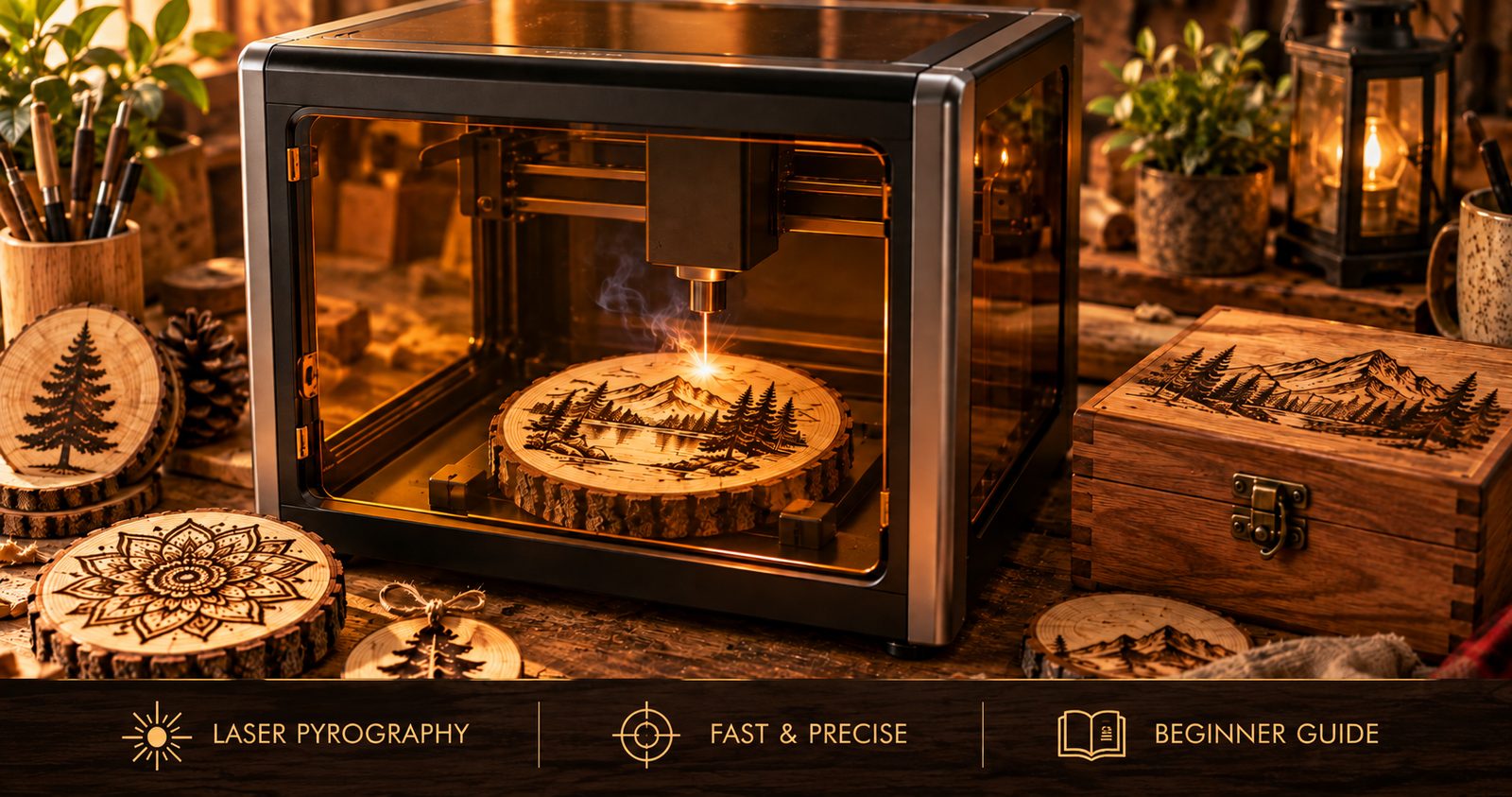
Traditional pyrography, which we cover in our wood burning for beginners guide, uses a heated metal tip that you drag across the wood by hand to scorch a design. Laser pyrography does the same thing, burning a permanent mark into the surface, but it uses a focused beam of light instead of a hot pen, and a machine moves that beam according to a digital design.
In practice, you create or import a design on a computer, tell the software how dark and how fast to burn, and the laser reproduces it on the wood automatically. The result is the same warm, burned-in look as hand pyrography, but with a level of detail, consistency, and speed that hand work cannot match. It is still real pyrography, since you are burning wood, just driven by a machine rather than your wrist.
How laser wood burning works
At the heart of a laser engraver is a laser source that concentrates energy into a tiny, intense point. When that point lands on wood, it heats the surface enough to darken or vaporize it, creating a mark. By moving the beam across the wood and varying its power, the machine builds up your design line by line.
For wood burning specifically, the important part is the diode laser, which is the type best suited to organic materials like wood, leather, and bamboo. The machine controls two things as it works: where the beam goes and how much power it delivers. Move fast with low power and you get a light, pale line. Slow down or increase power and the burn goes darker and deeper. By varying this across a design, the laser can even produce shading and grayscale, which is how laser pyrography reproduces photographs and detailed artwork.
Designs are handled in two ways. Vector engraving follows outlines and paths, which is ideal for lettering, line art, and clean shapes. Raster engraving sweeps back and forth like an inkjet printer, filling in areas and shading, which is how photos and solid designs are burned. Most projects use a mix of both. You prepare all of this in software, set your focus so the beam is sharp on the surface, and let the machine do the rest.
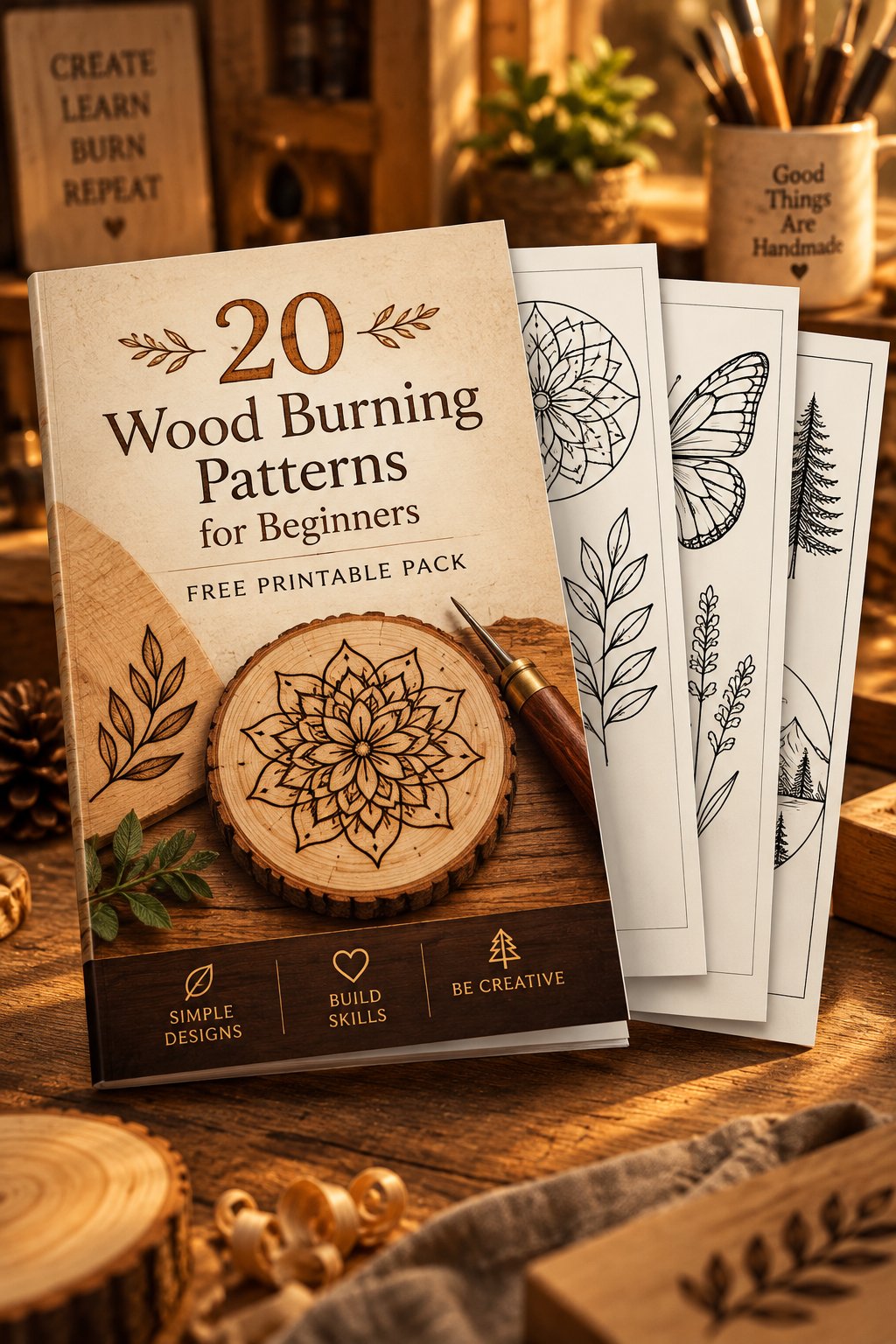
If you are looking for artwork to run through it, our set of 500 wood burning patterns ships as image files alongside the printable book, ready to drop into your laser software. Around two thirds of them are marked as better suited to a machine than a hand-held pen, which saves you working out which are worth the setup. Our 500 Halloween wood burning patterns work the same way, with every design also supplied as a PNG file, and their detailed scenes, from haunted houses to fairy tale castles, are a natural fit for a laser.
Why makers are switching to laser
Hand pyrography and laser pyrography each have their place, but the laser brings some clear advantages that explain why so many woodworkers and small businesses are adopting it.
The first is speed. A design that would take hours to burn by hand can be finished in minutes. The second is precision. A laser can burn detail far finer than any tip, including tiny text, intricate patterns, and photo-realistic shading. The third is repeatability. Once a design is dialed in, you can reproduce it identically as many times as you like, which is a game-changer if you sell your work. The fourth is that there is no hand fatigue and no long learning curve for technique, since the machine handles the actual burning. For anyone making products to sell, the ability to produce consistent, professional pieces quickly is the biggest draw of all.
What you can make
Laser pyrography opens up a wide range of projects. Personalized signs, coasters, and cutting boards are popular sellers. Ornaments, keychains, and bookmarks are quick to produce in batches. Detailed wall art and burned photographs are possible in a way hand work simply cannot match. You can add names, dates, logos, and fine artwork to almost any wooden item, which makes it ideal for custom gifts and craft-fair products. If you have read our guide on how to sell your woodworking, a laser is one of the most effective tools for turning a hobby into a steady product line, because it lets you make the same quality item over and over.
The best materials for laser pyrography
Not all wood laser-burns equally well. The best results come from smooth, light, fine-grained woods that scorch evenly and show contrast clearly. Basswood is the top choice, just as it is for hand pyrography, because it is pale, soft, and nearly grainless, so burned designs come out crisp and clean with excellent contrast. While plywood is widely used for laser work, Erik and I advise against burning plywood, especially if you are a beginner, since the glue between the plies can give off harmful fumes when the laser cuts or engraves through the face veneer. Solid basswood is the safer choice, and if you cannot identify the wood or what has been applied to it, leave it out.
For laser work you want flat, consistent stock, and thin basswood sheets are ideal for getting started and for batch projects. A large pack keeps your material cost per piece low, which matters if you are producing items to sell. This 50-pack of basswood sheets is a practical way to stock up, giving you plenty of flat, ready-to-burn material to practice on and produce with.
Avoid resinous woods like pine for detailed work, since the uneven grain burns inconsistently, and steer well clear of any treated, painted, or coated wood, which can release harmful fumes when lasered. Stick to raw, natural, light woods and your results will be far better and far safer.
Practical review: xTool F1 Ultra
If you are serious about laser pyrography, the machine matters more than anything else, so here is an honest look at one of the strongest options available, the xTool F1 Ultra. It is a premium, dual-laser desktop engraver, and it is built for people who want professional results and production speed rather than an occasional hobby burn.
What it is. The F1 Ultra is unusual in that it carries two lasers in one enclosed unit, a 20W blue diode laser and a 20W fiber laser. For wood burning, the 20W diode is the one doing the work, and it is powerful enough not just to engrave wood but to cut it, up to around 15mm thick. The fiber laser is aimed at metals, which most wood burners will not need, but it means the same machine can also engrave and color-mark stainless steel, brass, and aluminum if you ever want to branch out into metal or jewelry work.
Speed and detail. This is where the F1 Ultra stands out. It uses galvo technology, which steers the beam with mirrors rather than moving a laser head on rails, and it reaches engraving speeds up to 10,000 mm per second. In plain terms, it is extremely fast, and it produces high-definition detail, including photo-quality shading on wood. For anyone burning batches of coasters, ornaments, or signs, that speed turns what would be an all-day job into a short session.
Ease of use. It comes pre-assembled, which is a relief compared with open-frame kits you build yourself, and it has a 16MP camera with autofocus. The camera lets you see your material on screen and place your design exactly where you want it, and the autofocus removes one of the fiddliest steps of laser work. The working area is 220 by 220mm as standard, which suits coasters, ornaments, small signs, and plaques. If you need to run longer pieces or batch production, an optional conveyor extends the length considerably, feeding longer material through automatically.
Software. It runs on xTool’s own software, and it is also compatible with LightBurn, which is the industry-standard laser program many makers prefer. That flexibility is a genuine plus, since you are not locked into one ecosystem.
Safety design. Unlike cheap open-frame lasers, the F1 Ultra is a fully enclosed unit, which contains the beam and makes it far safer to run at home. It also supports a smoke and fume purifier, has eye protection built into the design, and includes fire-safety features. For a machine you may run repeatedly, that enclosed, considered approach to safety is worth a lot.
The honest trade-offs. The F1 Ultra is a premium tool with a premium price, so it is an investment rather than a casual purchase. If your only goal is to dabble in wood burning, it is more machine than you need, and a simple hand pyrography pen or a basic single-diode laser would serve you at a fraction of the cost. The 220mm working area, while expandable, is on the smaller side for large signs unless you add the conveyor. And like any laser, it needs proper fume extraction, which the air purifier accessory handles but adds to the total cost. It also has a learning curve, since getting the best out of the software and dialing in settings for different materials takes practice.
Who it is for. The F1 Ultra makes the most sense for serious hobbyists and small businesses who want speed, precision, and versatility, especially anyone producing items to sell or wanting to work across both wood and metal. If that is you, it is one of the most capable and convenient machines in its class, and the dual-laser flexibility means it can grow with your ambitions rather than being outgrown.
The laser pyrography workflow
Whichever machine you use, the process follows the same general path. You start by creating or importing your design in the software, whether that is text, line art, a pattern, or a photo. You then set the burn parameters, choosing the power and speed that give the darkness you want for your chosen wood, usually after a quick test on a scrap piece. You position the material, using the camera or alignment guides, and set the focus so the beam is sharp on the surface. Then you run the job and let the machine burn the design. Finally, you clean and finish the piece, wiping away any residue and sealing it with a clear finish if you like. A little testing on scrap at the start saves a lot of wasted material, since every wood and every design behaves slightly differently.
Laser pyrography safety
A laser is a powerful tool, and it demands real respect. The convenience of automation does not remove the hazards, so treat laser safety as seriously as you would any power tool. Our general woodworking safety guide covers the shop basics, and these points apply specifically to lasers.
- Protect your eyes. A laser beam, and even its reflection, can cause permanent eye damage. Always use laser safety glasses rated for your machine’s specific wavelength, and never look directly at the beam. An enclosed machine that contains the beam is far safer than an open-frame one, which is a strong reason to favor a closed design.
- Never bypass the safety features. Enclosures, lids, and interlock switches exist to protect you. Do not defeat them or run the machine with the cover open.
- Deal with the fumes. Burning wood produces smoke and fine particles that you should not breathe. Use a proper fume extractor or air purifier, or vent the machine outdoors, and always work in a well-ventilated space.
- Treat fire as a real risk. A laser is literally burning material, and thin wood can catch fire. Never leave the machine running unattended, even for a minute, keep a fire extinguisher within reach, and clean out debris and residue that could ignite.
- Know your materials. This is critical. Never laser PVC, vinyl, or unknown plastics, because they release chlorine gas and other toxic fumes that are dangerous to you and corrosive to the machine. Only burn materials you know are laser-safe, and stick to raw, untreated, natural wood for pyrography.
- Keep the area controlled. Keep children and pets away while the machine is running, follow the manufacturer’s instructions, and never modify the machine in ways that compromise its safety.
None of this should put you off, since a well-designed, enclosed machine used sensibly is safe to run at home. But the hazards are real, and respecting them is what keeps laser pyrography an enjoyable craft rather than a dangerous one.
Laser or hand pyrography: which should you choose?
Neither approach is better, they are just different. Hand pyrography is inexpensive, deeply relaxing, and rewarding in a way that machine work is not, since every piece carries the mark of your own hand. It is the perfect place to start, and many people never feel the need to go further. Laser pyrography, by contrast, is about speed, precision, and reproducing designs perfectly and repeatedly, which makes it the right tool for detailed artwork and for anyone producing items to sell.
Plenty of makers do both, using a pen for one-off, personal pieces and a laser for production and complex designs. If you are just beginning, start with a hand burner and a stack of basswood, learn the craft, and see how far your interest takes you. If you find yourself wanting more speed, more detail, or the ability to make and sell in volume, that is the moment a laser earns its place.
The bottom line
Automated laser pyrography takes the timeless craft of wood burning and adds the speed, precision, and repeatability of modern technology. It will not replace the quiet pleasure of burning by hand, but it opens doors that hand work cannot, from photo-quality art to consistent products you can sell. If you are ready to step up, stock up on quality basswood sheets and consider a capable machine like the xTool F1 Ultra to get professional results. Whichever path you choose, respect the safety basics, start with tests on scrap, and enjoy the remarkable things you can create by burning designs into wood.